Indicator Sets Complete Guide
What this helps you do
Indicator Sets let you save and reload a chart’s “setup” so you can get back to the same technical view fast, without rebuilding it from scratch each time.
It matters because consistency is a big part of clean chart analysis. When your studies, timeframe, and chart style stay consistent across sessions, it’s easier to compare like with like and spot real changes in price behavior (instead of differences caused by your chart settings).
Overview
Indicator Sets are the 4.0 version of what Classic called Views. These are defined as a way to “save and load custom chart layouts” and preserve chart settings like studies, periodicities, and chart types.
When you apply an Indicator Set, it updates the configuration of your current chart rather than acting like a full workspace restore.
Where to find Indicator Sets
Indicator Sets live in the Chart Toolbar at the top of your chart. The icon is a small grid-like button that opens the Indicator Sets menu.
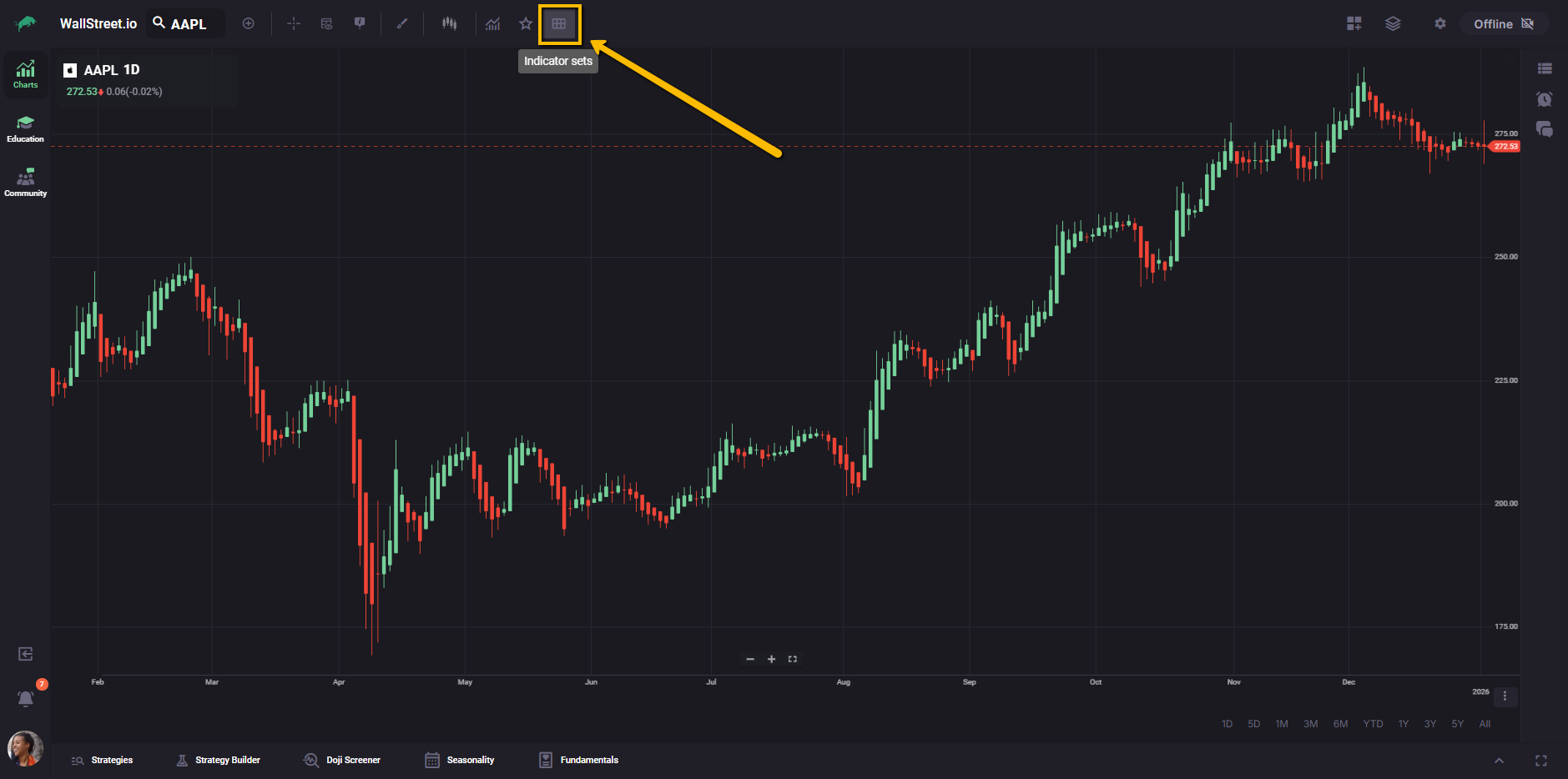
Indicator Sets menu
The Indicator Sets menu has two parts:
Saved Indicator Sets list
Your saved sets appear as a list inside the menu. In Classic, saved Views appeared in the dropdown list and selecting one applied its configuration to your chart.
Save Indicator Sets
The menu includes a Save Indicator Sets option for storing the current chart configuration as a new set.
If you have not saved any Indicator Sets yet, you will only see Save Indicator Sets in the menu.
What an Indicator Set saves
In Classic, Views saved chart settings including:
Indicator Sets are intended to preserve these same chart-level settings in 4.0.
Indicator Sets are best thought of as “chart-level presets,” not “workspace-level presets.” If you need to restore multiple charts at once, use Layouts.
Common actions and what they do
| Action | What it does |
| Load an Indicator Set | Applies the saved configuration to your current chart. |
| Save a new Indicator Set | Stores the current chart settings into a new named set. |
| Overwrite an Indicator Set | Saves using the same name to overwrite the previous version. Indicator |
| Delete an Indicator Set | Each saved item has an |
Indicator Sets vs Layouts
Indicator Sets and Layouts are meant to complement each other:
Layouts also include explicit options for what gets saved (for example, Include Studies, Include Symbols, Include Smart Studies).